Overqualified for the admin, irreplaceable for everything else. Where AI ends and your judgement begins. Download insights →

Bank statement extraction software. Nothing to correct afterwards.
For businesses, and for the accountants and bookkeepers who work alongside them.
Upload a statement and Dext reads every transaction on it, structures the lot at over 99% accuracy and hands it back ready to review, reconcile or export. The figures are right before they reach your books, so checking them is a glance rather than a recount.

No credit card required.






Statements arrive as PDFs. They leave as transactions you can reconcile.
Dext reads each line of the statement and returns structured, accurate records, so reconciliation starts with the data rather than with rebuilding it.

Accurate on the way in. No need to correct on the way out.
Every transaction is extracted at over 99% accuracy, so the errors that usually surface at reconciliation never make it that far.

Downloaded or scanned. Dext reads both.
PDF and TIFF, straight out of online banking or off the scanner. Awkward layouts are handled as readily as tidy ones.

Exported in your format. Imported without reformatting.
Pick the CSV layout that matches Xero, QuickBooks or Sage, and the file goes straight into the accounting software you already use.

Speed You Can Count On
75% of statements are completed in under four hours, and many are ready in minutes.
Business documents processed annually
Businesses supported globally
Accounting and bookkeeping firms
Join the businesses and practices already on Dext
We're proud to have helped thousands of accounting & bookkeeping firms and businesses better manage their processes, saving millions of hours of manual work.
Learn how businesses just like yours
save time and hassle with Dext
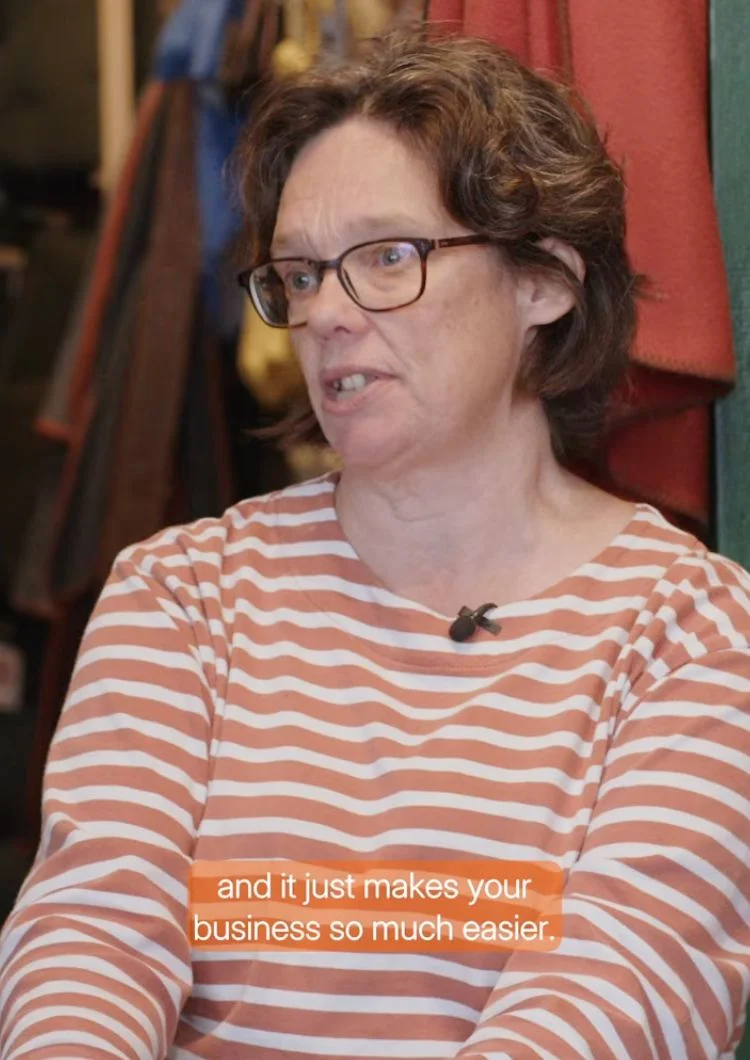

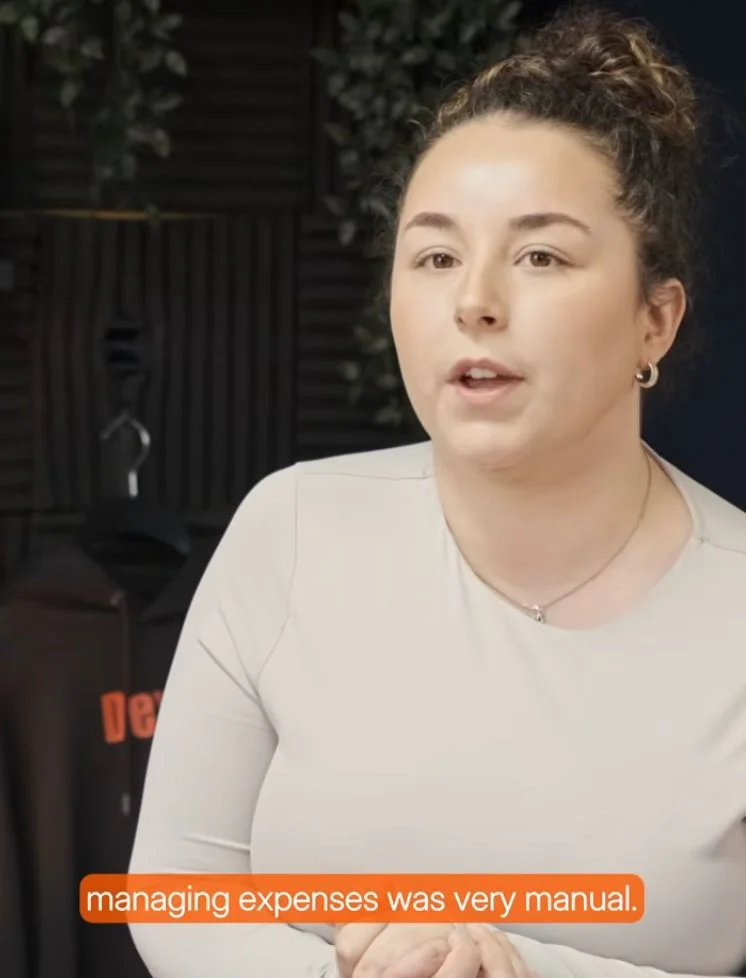

Bright Shift and Dext:
"I would much prefer to not have a stack of receipts and invoices..Dext just makes life so much easier."
Toby, Founder
Stuck on a statement?
The answer comes back useful.
Ask by chat or email and get a straight response, not a jargon-heavy one. The Help Centre and self-paced Dext U training cover the rest, so getting set up and getting unstuck are both short jobs.

customer satisfaction rating (NPS)
48 hours
median time to first response
+ 250 tutorials
available on our Help Centre
Bank statement extraction FAQ
Add the bank account in Dext, then upload the statement. Dext reads every transaction, structures it at over 99% accuracy and returns a CSV you can download and import.
You can upload PDF or TIFF files, up to 50MB in size and 300 pages long. For scanned statements, a minimum resolution of 200dpi is recommended.
Your plan includes a set number of credits, depending on your subscription. If you need more, you can purchase additional credits at any time. Check your plan details to see what’s included.
Yes. Dext supports over 700 banks. If your bank isn’t listed, you can request it by uploading a sample statement when adding the account.
Your plan includes a set number of credits, depending on your subscription. If you need more, you can purchase additional credits at any time. Check your plan details to see what’s included.
You won’t be charged. Rejections may occur if the file includes multiple accounts, poor-quality scans, missing pages, or inconsistent formatting. You’ll see the rejection reason in Dext.
Yes, as long as the data extraction hasn’t been completed. You can cancel in the Collected Statements tab.
Once processing is complete, your data is available to download in CSV format. You can also view or export it from the Transactions tab.
Report it in the platform and the statement is reprocessed at no extra charge. Corrections also feed back into the models, so the same mistake is less likely on the next statement.
Yes, but as a manual CSV import rather than an automatic publish. Bank statements can’t be published directly to accounting software from Dext. You export the extracted transactions as a CSV and import that file into your accounting software. Dext lets you set your preferred CSV download format, to match Xero, QuickBooks or Sage, under your profile settings. The file is then ready to import without reformatting.


Try Dext yourself with our 14-day free trial
Over 700,000 businesses and 12,000 accounting and bookkeeping firms worldwide use Dext to make more time for what matters.