Dext for Sage
Dext reads your invoices, receipts and statements, codes them against the chart of accounts and tax rates already set up in Sage, and holds everything for your approval before it publishes. Over 99% accuracy, so there is very little left to correct.







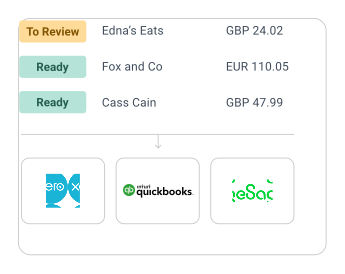

Scan and upload receipts and invoices to Sage
Photograph a receipt on the mobile app, forward a supplier invoice from your inbox, or drag a month's worth onto the desktop. Dext reads the detail out of each one and gets it into Sage in the shape your ledger expects — logged before you've put your wallet away.
Organise receipts and invoices in one place
Costs, sales and bank statements sit together in Dext, coded and ready to go. Set a rule once for the suppliers you see every month and the coding is already applied when the next invoice arrives. Nothing reaches Sage without your say-so.


Books that keep pace with the month. Not the deadline.
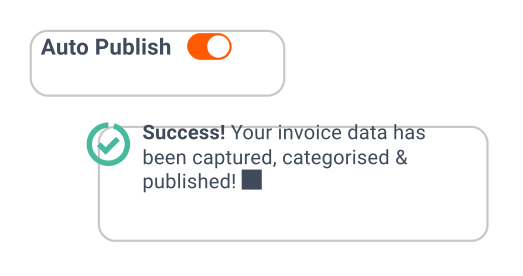
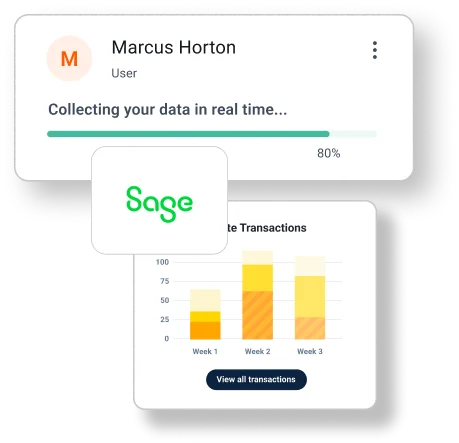
Documents are captured as they happen and published to Sage as they clear your review, so what you see in Sage is where the business actually is. Reconciling becomes a check rather than a reconstruction, whether you are at the desk or on the phone.
Learn how businesses just like yours
save time and hassle with Dext
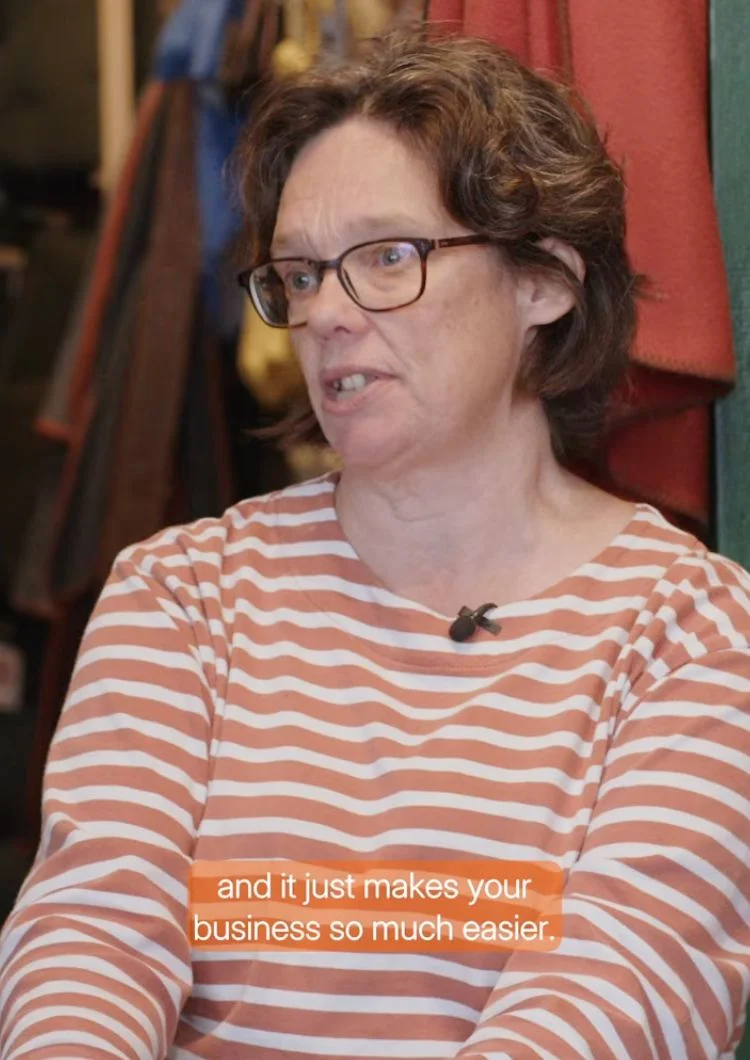



Bright Shift and Dext:
"I would much prefer to not have a stack of receipts and invoices..Dext just makes life so much easier."
Toby, Founder
Turn financial records into
digital data
Collect invoices and expenses from a range of sources – whether that’s a paper copy, online bank statement or e-commerce site – and we’ll extract all the data you need.
- Small and medium-sized
- Multiple projects and teams
- Subcontractors and suppliers
Small and medium-sized businesses
From first hire to a finance team of several, Dext handles the bookkeeping behind the invoices and keeps Sage current without anyone setting an evening aside for it.

Multiple teams, sites and entities
Give each person their own account and permissions, track spending by project or site, and publish each set of books to the right Sage business.
Suppliers and subcontractors
Invoices, statements and credit notes stay matched to the supplier they came from, so a question about a cost from March is answered in seconds rather than an afternoon.
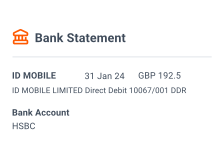

1. Upload into Dext
Receipts, invoices and bank statements come in by mobile app, email, WhatsApp, desktop or automatic invoice fetch. Dext also collects itemised transactions from retailers, marketplaces, e-commerce platforms, point-of-sale systems and payment providers.
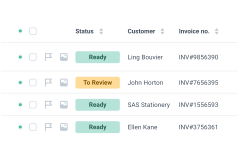
2. Dext reads it
Intelligent extraction pulls the line detail out of each document with over 99% accuracy, then codes it the way you have treated that supplier before. What lands in your inbox is already close to final.
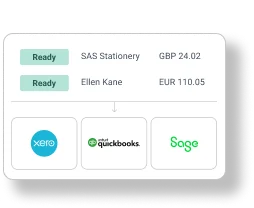

3. Publish to Sage
Approve it and it goes to Sage, coded to your chart of accounts and tax rates. Dext connects with 36+ accounting software platforms, and the original document stays stored and searchable in Dext, encrypted at every stage.
Connecting Dext to Sage. Minutes, not an afternoon.
The connection syncs your chart of accounts, suppliers, customers, tracking categories and payment methods, so the coding options you see in Dext are the ones already sitting in Sage.
Synchronise your chart of accounts
Go to the Connections section of the sidebar, then click Integrations. Find Sage in the list of available software and click Connect.
Upload items to Dext
Add your documents through one of our many submission methods. Take a photo on our mobile app. Upload it directly from your computer. Or email it in. Other options are also available.
Let Dext read it
Dext extracts the detail from each document and files it where it belongs: the inbox of the ‘Costs’ or ‘Sales’ workspace, or ‘Processed Statements’ in the Bank workspace.
Review and edit
Double check to make sure all the information you need is there. You can edit and add as you see fit.
Publish to Sage
When an item has all the correct settings and is ready to go, click the green ‘Publish’ button to send the item to Sage.
Business documents processed annually
Businesses supported globally
Accounting and bookkeeping firms
Join the businesses and practices already on Dext
We're proud to have helped thousands of accounting & bookkeeping firms and businesses better manage their processes, saving millions of hours of manual work.


Try Dext yourself with our 14-day free trial
Over 700,000 businesses and 12,000 accounting and bookkeeping firms worldwide use Dext to make more time for what matters.
FAQs
When you connect Dext to Sage, it syncs your Chart of Accounts, Suppliers, Customers, Tracking Categories, and Payment Methods. You can then send Dext items directly to Sage using the 'Publish' button.
Dext reads each document, matches it to the right Sage account and tax rate, and applies the coding you have used for that supplier before. You approve what you see and it publishes to Sage. With over 99% accuracy, the job becomes checking rather than correcting.
Dext applies the tax rates and categories from Sage. You can also set up rules in Dext to automate these settings, streamlining your workflow.
You can set your own rules for categorisation, tax treatment and multi-currency, so documents arrive coded the way your business actually works rather than the way a template assumes. Dext connects with 36+ accounting software platforms and over 11,500 banks, and everything waits for your approval before it reaches Sage.
Dext allows you to create rules for automatic transaction matching, tax application, and multi-currency management. You can also automate workflows, like recurring expense categorisation and approval processes.
Yes, Dext lets you connect and manage multiple Sage accounts, making it easy to switch between them and publish data accurately.
Yes, Dext supports bulk uploads, allowing you to process multiple documents at once and prepare them for publishing to Sage.
Dext flags it and tells you, and the document stays in Dext until it is sorted. Nothing half-processed goes through to Sage.
Businesses of every size that keep their books in Sage, from micro to multi-entity, along with the accountants and bookkeepers who work on those books alongside them.
You can connect Dext to Sage free during a 14-day trial. After that you’ll need a paid Dext plan, with no extra fee for the Sage connection. For more details, visit our pricing page.
Dext is ISO/IEC 27001 certified and GDPR compliant. Your data is encrypted at every stage, and you control who can access sensitive information.