Overqualified for the admin, irreplaceable for everything else. Where AI ends and your judgement begins. Download insights →

MYOB integration that gets the coding right. Before MYOB ever sees it.
Receipts, supplier invoices and bank statements arrive in Dext however your business collects them. Dext extracts the detail at over 99% accuracy, applies your MYOB accounts, jobs and cost centres, and publishes it across. Mistakes get caught in Dext, instead of found in MYOB three weeks later.





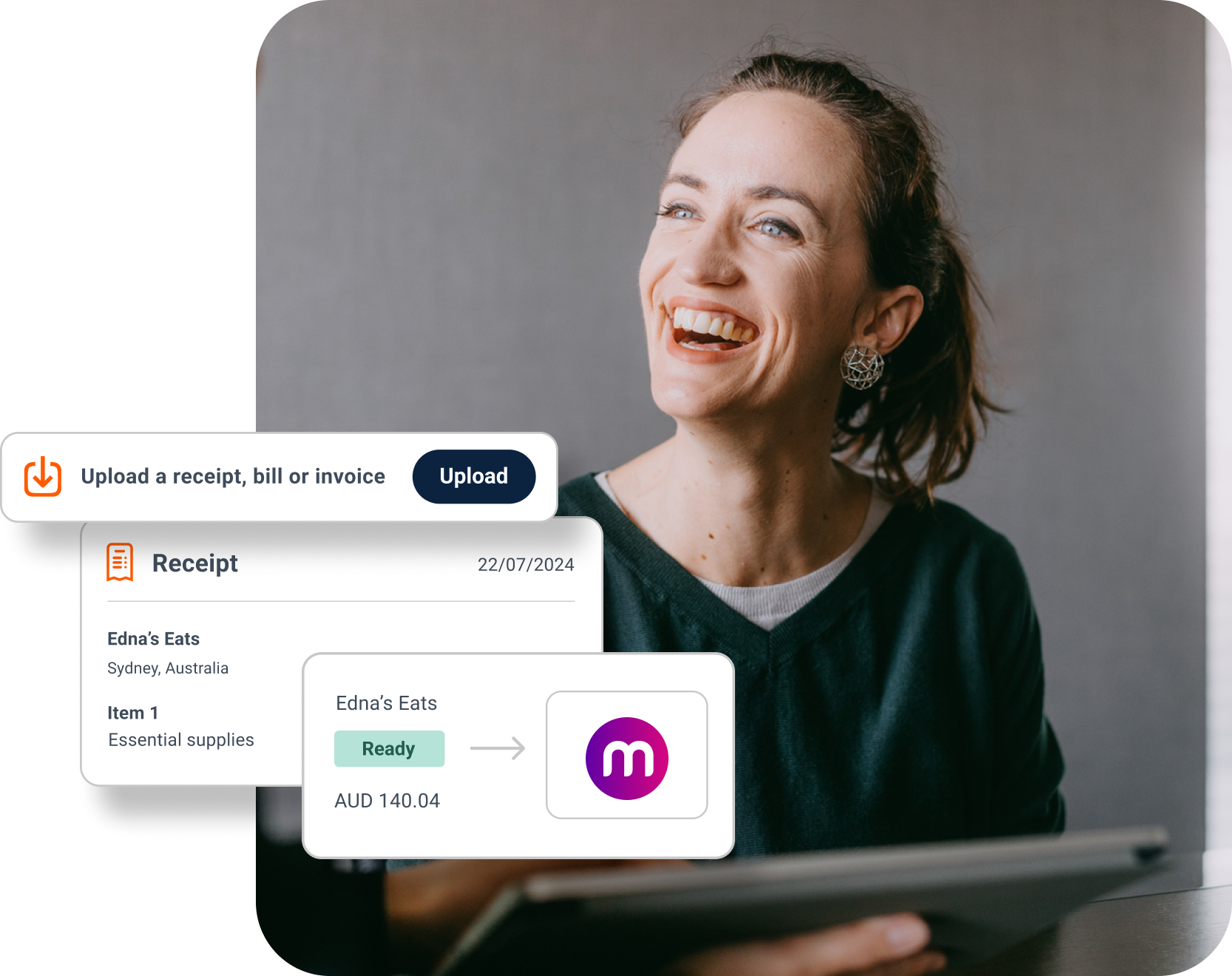
Send it in whatever state it turns up in. Dext reads it anyway.
Photograph a receipt on the app, forward a supplier invoice by email, drag in a month of statements. Creased, faint or half-folded, Dext turns each one into structured data at over 99% accuracy and lines it up for MYOB. Nobody re-checks a total.
One place for the paperwork. One version of the numbers.
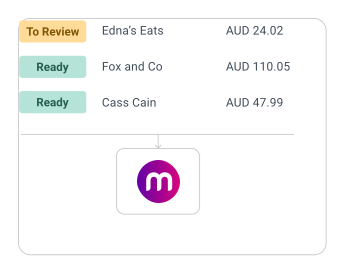
Costs, sales and bank statements sit in a single workspace. Supplier rules and approvals are applied before anything moves, so you review what genuinely needs a look and leave the rest to publish on its own. MYOB only ever receives what you have signed off.


Books that keep up with the week. Not the quarter.
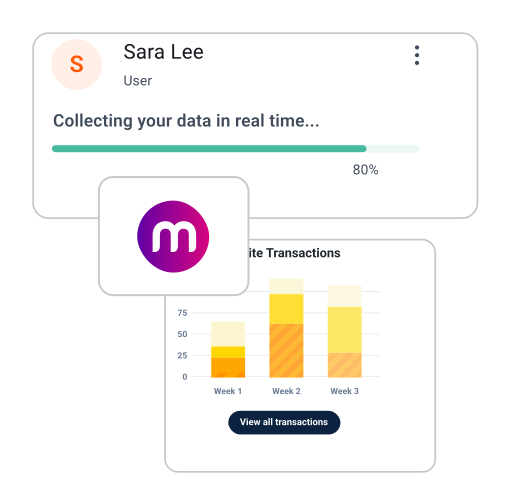
Documents are captured as they happen, so your MYOB file shows what the business actually spent rather than what anyone can reconstruct at month end. Check it from a desk or a phone, and let Bank Match pair items in Dext with your MYOB bank feed so reconciliation stops being an evening job.
Learn how businesses just like yours
save time and hassle with Dext
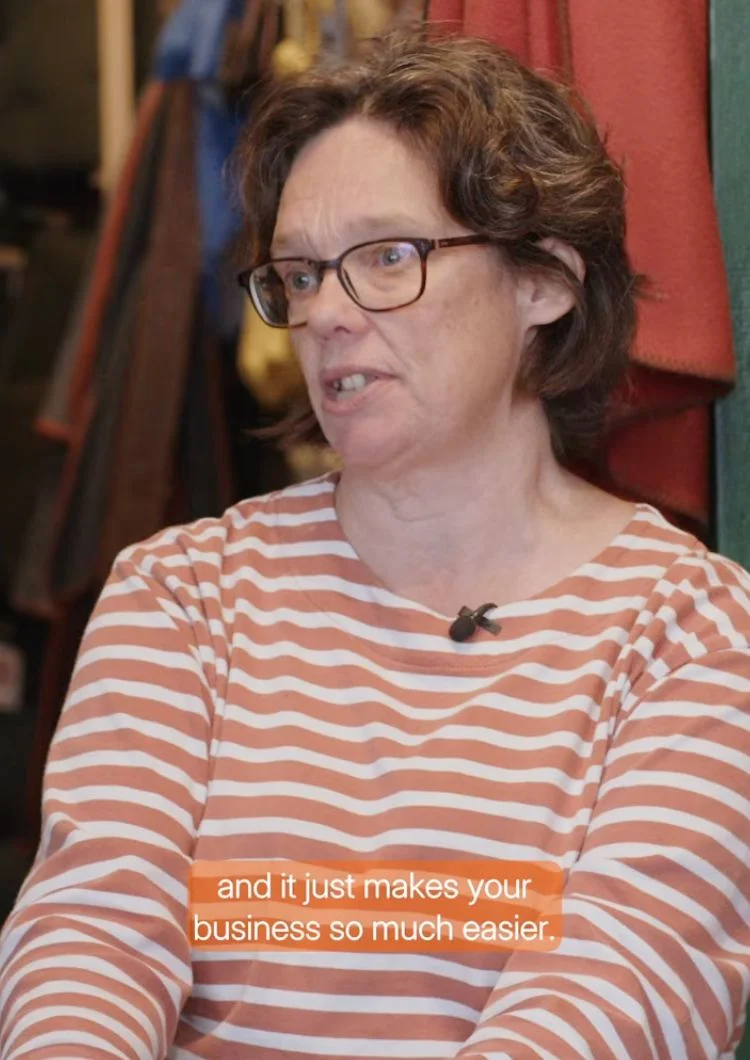

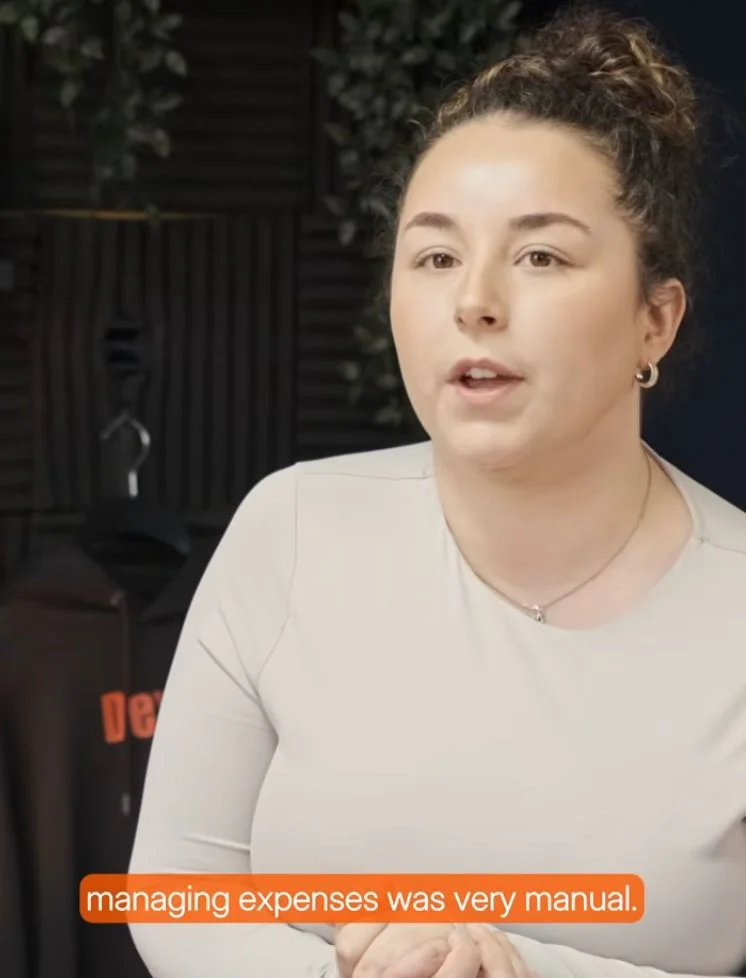

Bright Shift and Dext:
"I would much prefer to not have a stack of receipts and invoices..Dext just makes life so much easier."
Toby, Founder
Paperwork in.
MYOB-ready data out.
Invoices and expenses come in by mobile, email, WhatsApp or desktop, alongside bank statements and e-commerce sales. What leaves is structured, coded and checked.
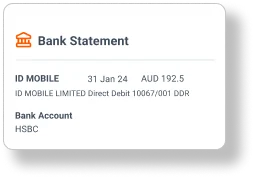

1. Upload
Dext makes it easy to collect all the documents you need, from invoices and receipts to expense claims and mileage records, all in real time and at scale. Uploads can come from email, mobile, web, integrations, direct connections, or even eInvoices. Whether submitted individually or in bulk, every document is securely stored and instantly ready for processing.
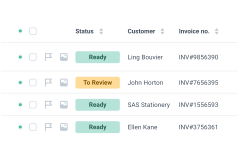
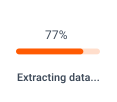
2. Process
Dext extracts essential details, including supplier name, ABN, tax amounts, total amounts, and key dates, to name a few, all with over 99% accuracy. Apply your own supplier rules for coding, or let Dext auto-categorise based on historical behaviour. Documents can also be routed through custom approval workflows before publishing to MYOB, giving you full control and audit visibility.
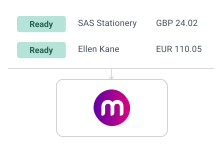

3. Publish to MYOB
Your data (including the source document) is now ready to publish directly to MYOB. With auto-publish enabled, documents can flow seamlessly into MYOB, eliminating the need for clicks. Setup takes seconds, and your data is stored securely for 7 years with bank-level encryption.
How to set up a
Dext and MYOB connection
Connecting Dext to MYOB syncs your Chart of Accounts, suppliers, customers, tracking categories and payment methods between the two systems. Everything fits together.
Synchronise your chart of accounts
Open 'Connections' in the sidebar, then 'Integrations'. Find MYOB in the list of available accounting software and click 'Connect'. Your chart of accounts, suppliers, customers, jobs, cost centres and payment methods come across with it.
Upload items to Dext
Add your documents through one of our many submission methods. Take a photo on our mobile app. Upload it directly from your computer. Or email it in. Other options are also available.
Dext reads it for MYOB
Dext extracts the detail you need from everything you have added. When it has finished, the item is waiting in the inbox of your 'Costs' or 'Sales' workspace, or under 'Processed Statements' in the Bank workspace.
Review and edit
Double check to make sure all the information you need is there. You can edit and add as you see fit.
Publish to MYOB
When an item has all the correct settings and is ready to go, click the green ‘Publish’ button to send the item to MYOB.
MYOB Integration FAQs
When you connect Dext to MYOB, it syncs your Chart of Accounts, Suppliers, Customers, Jobs, Cost centres, Products and services, and Payment Methods. You can then publish items directly from Dext to MYOB with one click.
Dext uses AI to extract key information from receipts, invoices, and other documents, then matches it to the correct MYOB accounts. Once reviewed or approved, the data is published straight into MYOB, helping you reduce manual work.
Dext uses the tax rates and account categories set in your MYOB account. You can also create rules in Dext to apply these settings automatically, helping you save time and maintain consistency.
Dext offers more advanced automation and customisation. You can build rules for tax, categorisation, multi-currency workflows, and approvals. Dext also connects to a wide range of data sources and accounting platforms, making it a powerful bookkeeping software choice for growing businesses.
Yes, Dext lets you connect and manage multiple MYOB accounts, making it easy to switch between them and publish data accurately.
Yes. You can upload multiple documents at once, review them in batches, and publish them to MYOB in bulk, saving time during busy periods.
If something goes wrong, Dext will flag the issue and notify you. You can then review the error, make any needed changes, and reprocess the document.
The Dext and MYOB integration is ideal for small to medium-sized businesses, bookkeepers, and accountants who want to simplify data entry and focus on higher-value work.
You can try Dext with MYOB free for 14 days. After the trial, you’ll need a paid Dext subscription. There are no extra fees to connect to MYOB. Visit our pricing page for full details.
Your data is encrypted at every stage, and access follows a least-privilege basis. Dext is ISO/IEC 27001 certified and GDPR compliant, all customer data is stored in the EU, and you decide which users can see what. Our Trust Centre is open to check any time.
Yes. Dext connects to the Australian Business Register to validate supplier ABNs. It flags missing or invalid ABNs and highlights any tax inconsistencies, helping you spot errors early and stay compliant.
Yes. Dext syncs with your MYOB Products and Services list. When you use a product or service in a line item, Dext pre-fills linked fields like category and unit price, making it easier to track inventory and job costs.
Bank Match automatically finds items in Dext that match transactions in your MYOB bank feed or bank statement entries. This helps keep your records accurate and speeds up bank reconciliation.