October wrapped
The updates that matter this month. Available in your Dext account now.
You capture invoices, now pay them too
Dext Payments is now available for your QuickBooks Online and Xero clients. From invoice capture and AI-powered data extraction to approvals, security checks and payment, everything happens in one connected workflow.
- Pay supplier invoices directly from Dext
- Create batch payments in just a few clicks
- Set up multi-currency wallets to pay international invoices
- Set up secure approval workflows to get quick sign off from clients
- Reduce fraud risk with built-in supplier verification and security checks
- Track every payment with a complete audit trail
Multi-currency
Pay overseas invoices in the currency they're owed - without manual foreign exchange conversions or workarounds.
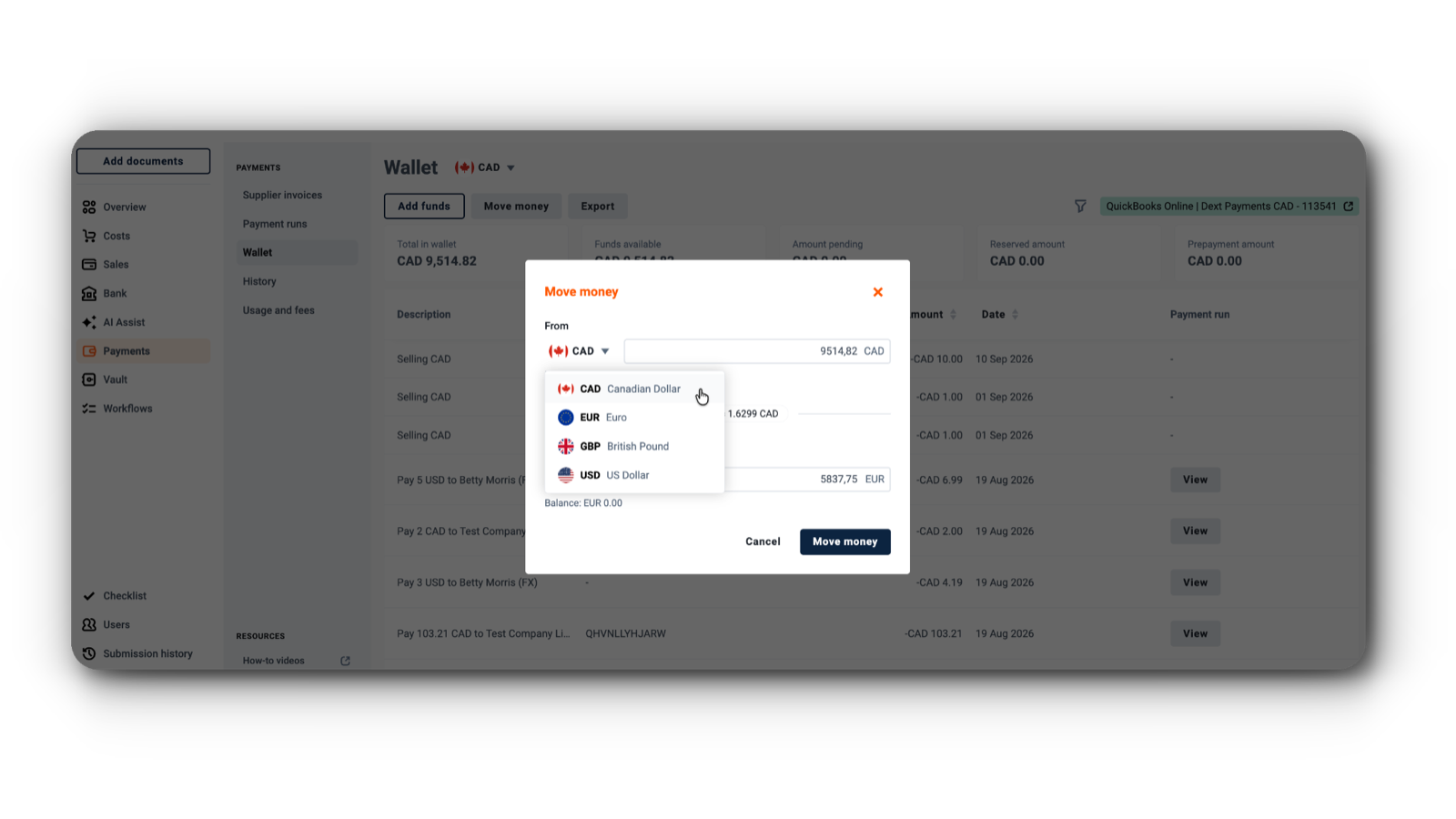
International payments are now part of Dext Payments, making it easier for you to help clients manage foreign-currency payments as part of their existing payment workflow.
Create wallets in supported currencies and pay invoices directly from the relevant currency wallet. This means no need to manually convert funds or use external payment processes - keeping international payments within Dext from invoice to payment.
Connect Dext to your AI tools
AI Connector (Dext's MCP) lets you and your team query your Dext practice data straight from the AI tools you already use - ChatGPT, Claude, and Copilot. Just ask in plain language and get an answer powered by your real Dext data: client status, compliance, data health, workflow progress, and team performance.
At launch it's read-only, so it can't make any changes to your Dext data, and it's built for accountant and bookkeeping partners only - there's no client access.
Especially handy on the go, or whenever you need a quick sense check without opening Dext directly.
Availability
Included with the Dext Advanced plan
AI Assist: More ways to work smarter
Automate purchase order capture
AI Assist guidance can now automatically populate the Purchase Order field, extracting PO numbers directly from documents or the emails they're attached to. That's less manual data entry and more accurate data capture.
Create more detailed guidance
With an increased description limit of 1,500 characters, you now have more room to create detailed rules and instructions tailored to your workflows.
Less guidance admin for your practice
Client Admins can now manage Core and Shared Guidance themselves, reducing the administrative burden on your practice.
Easily transfer clients between practices
Transfer clients between practices with fewer steps. Clients only need to log in and accept the transfer, while you can manage transfers directly when no client user is involved. A clear audit trail records who initiated and approved each transfer.
