Overqualified for the admin, irreplaceable for everything else. Where AI ends and your judgement begins. Download insights →

A Zoho Books integration that checks the numbers. Before your ledger ever sees them.
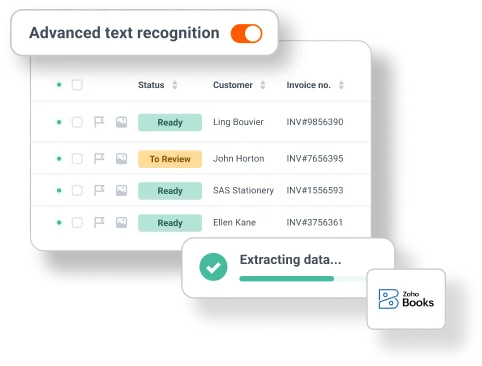
Zoho Books is the accounting app in the Zoho range, and it is the one Dext connects to. Send in invoices, receipts and bank statements however they turn up, and Dext turns them into structured data with over 99% accuracy — coded against your chart of accounts, suppliers and tracking categories — before anything is published.






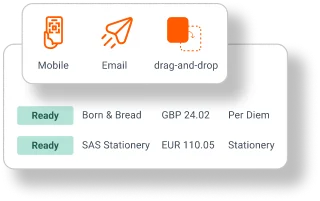
However the invoice arrives. It still lands in Zoho Books.
Photograph it in the mobile app, forward it by email, send it by WhatsApp or drag it across from your desktop. Dext reads what came in, pulls out the supplier, dates, totals and line items, and holds it ready for Zoho Books. Nothing sits in a pile waiting for somebody to get to it.
Catch the mistake in Dext. Not in your ledger.
A wrong supplier, a wrong tax rate or a miscoded purchase costs far more to unpick once it is in the books. Dext extracts with over 99% accuracy and shows you every item in one place before it goes anywhere, so corrections happen while they are still cheap. Set a rule once and Dext applies it to that supplier from then on, using the tax rates and categories that already exist in Zoho Books.


Several Zoho Books accounts. One place to work.
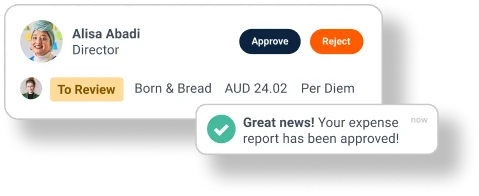
Connect more than one Zoho Books account and move between them without signing in and out. Purchases in other currencies, separate entities, a supplier list that keeps growing — the way you work stays the same, and you can see what has been published and what still needs a look, on desktop or on your phone.
Learn how businesses just like yours
save time and hassle with Dext
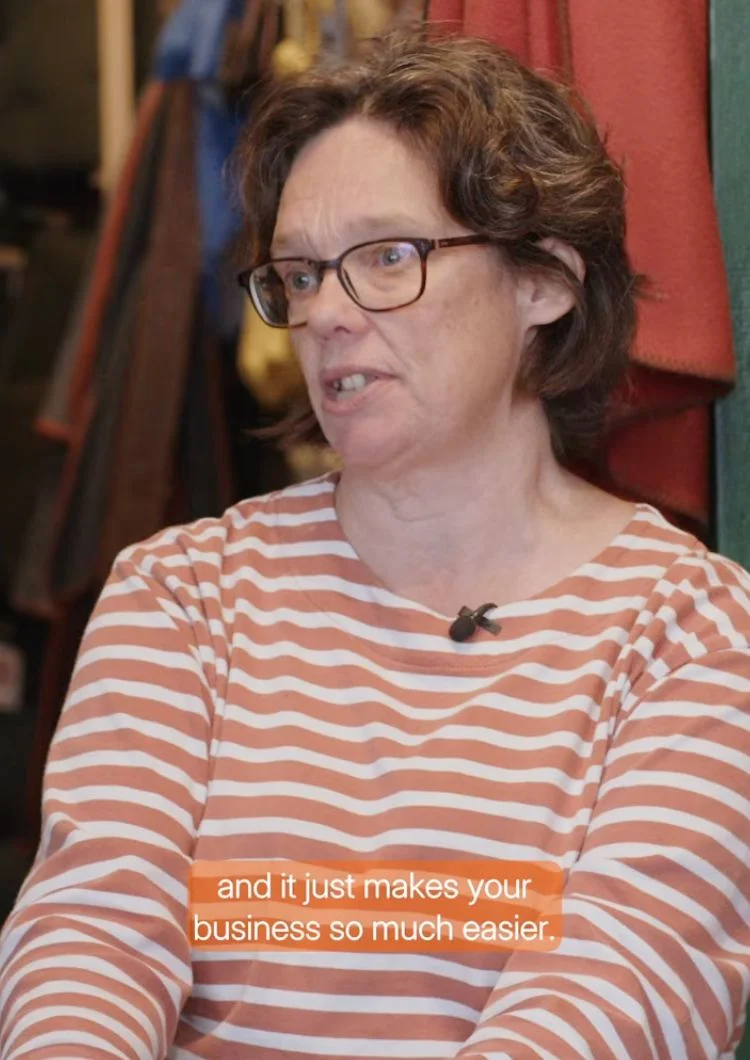

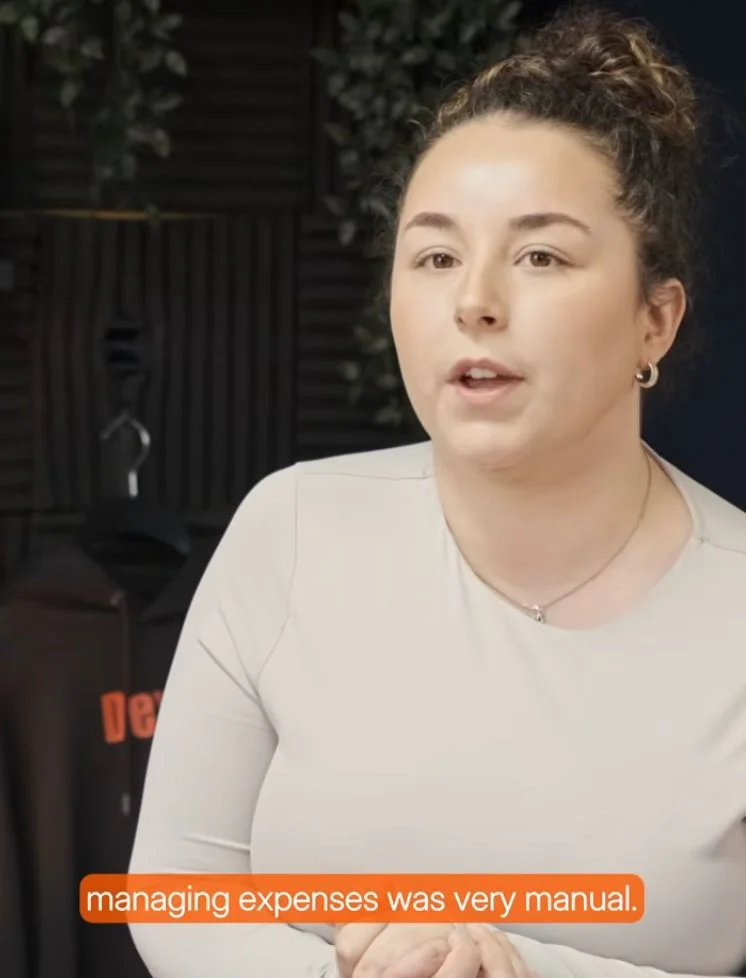
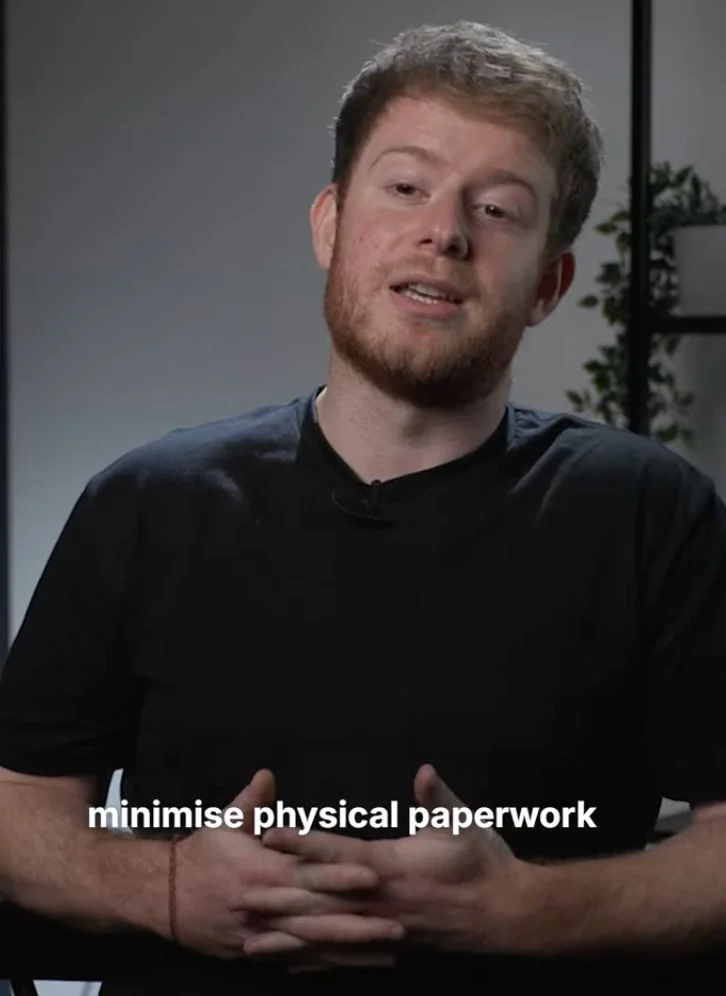
Bright Shift and Dext:
"I would much prefer to not have a stack of receipts and invoices..Dext just makes life so much easier."
Toby, Founder
Connecting Zoho Books takes a few minutes.
You only do it once.
The connection brings across your chart of accounts, suppliers, customers, tracking categories and payment methods, so everything you publish is coded against the real thing in Zoho Books rather than something close to it.
Connect Zoho Books
In the sidebar, open Connections, then Integrations. Find Zoho Books in the list and click Connect. Your chart of accounts, suppliers, customers, tracking categories and payment methods come across with it.
Send in your documents
Photograph them in the mobile app, email them in, or drag them across from your computer. Other submission methods are available too.
Dext reads them
Extraction runs on its own. When it has finished, the item is waiting in the inbox of your Costs or Sales workspace, or in Processed Statements in the Bank workspace.
Step 1
Step 1
Business documents processed annually
Businesses supported globally
Accounting and bookkeeping firms
Join the businesses and practices already on Dext
We're proud to have helped thousands of accounting & bookkeeping firms and businesses better manage their processes, saving millions of hours of manual work.
FAQs
Connecting the two brings across your chart of accounts, suppliers, customers, tracking categories and payment methods. From then on, anything you have checked in Dext goes into Zoho Books with the Publish button, already coded.
Dext reads it, pulls out the fields that matter and matches them to the right Zoho Books accounts, suppliers and tax rates. You review what it found, and only then is it published. Extraction is over 99% accurate, so there is usually very little to change.
Dext uses the tax rates and categories that already exist in Zoho Books. Where a supplier always goes the same way, set a rule in Dext and it automates those decisions from then on.
Rules for categorisation, tax handling and multiple currencies are set to the way your business actually works, not a fixed template. Dext connects with 36+ accounting platforms and a wide range of data sources, so a more complicated setup does not need a workaround.
Rules can match transactions, apply the right tax and handle other currencies on their own. Recurring expenses can be categorised automatically and approvals routed to whoever signs them off, without switching tools.
Yes. Connect as many as you need and move between them, with each document published to the right set of books.
Yes. Send a batch in at once and Dext works through the lot, ready for you to check and publish to Zoho Books together.
Dext flags it and tells you which item it is. You put it right and send it through again — nothing reaches Zoho Books until it is correct.
Businesses that run their accounts in Zoho Books, from a first hire to several entities, and the accountants and bookkeepers who work on those books with them.
The connection is free for your 14-day trial. After that you need a paid Dext plan, and the Zoho Books connection carries no extra fee on top of it. The pricing page has the detail.
Dext is ISO/IEC 27001 certified and GDPR compliant. Customer data is stored in the EU and encrypted at every stage, and you decide who can see what. Our Trust Centre is open to check any time.


Try Dext yourself with our 14-day free trial
Over 700,000 businesses and 12,000 accounting and bookkeeping firms worldwide use Dext to make more time for what matters.